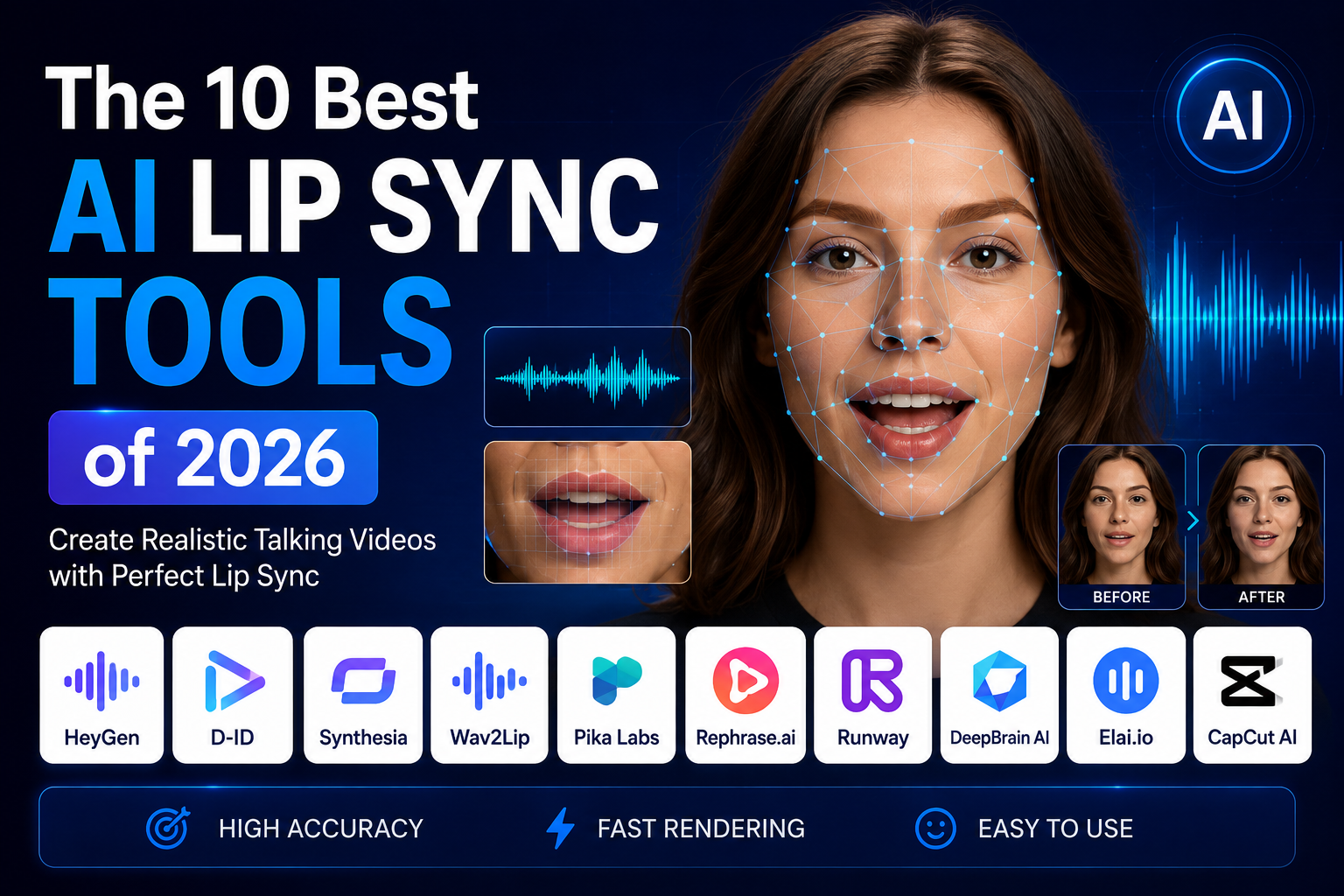
The sticker price on an AI lip sync tool rarely tells you what lip sync actually costs. As of July 2026, a pattern shows up across nearly every platform in this category: the headline plan price covers dubbing or voice generation, and lip sync specifically gets locked behind a higher tier, a separate credit multiplier, or an add-on fee that only becomes visible once you are already generating. I spent two weeks testing the same source clip across ten platforms while tracking not just output quality, but the real, all-in cost of getting genuinely free ai lip sync or an affordable paid tier that actually includes it. Here is what that comparison found. Elsewhere on the site, we look at Concordia University Student Wins Controlio’s $2,500 Scholarship.
Quick Answer: The Best AI Lip Sync Tools at a Glance
| Tool | Lip Sync Included At | Free Plan | Effective Entry Price | Standout Feature |
| Magic Hour | Free tier and every paid plan | Yes, 3 daily syncs, no signup | $10/month (annual) | Lip sync included from the free plan up, no separate unlock |
| Submagic | Bundled with AI avatar feature | Yes, limited features | $14/month | Lip-synced avatars inside a short-form video editor |
| Wireflow | Depends on connected model | Free tier available | Usage-based | Node-based pipeline chaining TTS, lip sync, and video |
| Murf AI (Murf Dub) | Pay-as-you-go, per credit | 200 credits (~100 min) free | ~$30/hour into one language | Usage-based pricing instead of a fixed subscription |
| ElevenLabs | Not included in core Dubbing; available via Flows/Studio | Yes, dubbing on free plan (watermarked) | $5/month (no lip sync) | Best raw voice quality for audio-only dubbing |
| GeckoDub | Included from the entry tier | Free trial | €12/month | Lip sync bundled in rather than gated behind a higher tier |
| Rask AI | Locked behind Creator Pro tier | No free lip sync | $120/month for lip sync | Long-form content localization at volume |
| HeyGen | Uses premium credits | Yes, 3 videos/month | $29/month (credits vary) | Wide language coverage with avatar-based delivery |
How I Chose These Tools
I tested each platform with the same source clip dubbed into two languages, then specifically tracked what it cost to get a lip-synced result rather than just a re-voiced one, since these turned out to be very different questions on several platforms. I scored results on four things: whether lip sync was included in the advertised entry price or required a separate unlock, how natural the resulting mouth movement looked, processing speed, and how clearly each platform disclosed its real lip-sync cost versus burying it in credit-system fine print.
1. Magic Hour
Magic Hour tops this list because it does not treat lip sync as a premium add-on. Every plan, including the free tier, includes actual lip sync rather than a cheaper audio-only substitute, which sets it apart from several competitors tested here that gate the feature behind a specific paid tier or a credit multiplier.
Pros:
- No signup required to try the tool; 3 free lip syncs per day with no account
- Lip sync included at every tier, not locked behind a premium plan the way Rask AI or HeyGen structure it
- Credits never expire once earned, unlike most competitors where unused monthly credits reset to zero
- Access to frontier models including Kling 2.5, Kling 3.0, Veo 3.1, Sora 2, LTX-2.3, Wan 2.2, and Seedance 2.0
- One-click multi-step workflows (generate, lip sync, upscale) without re-exporting between steps
- Parallel generations with no concurrency cap on paid plans
- Full API parity, weekly feature releases, and founder-level support responses
Cons:
- The free tool caps clips at 10 seconds; longer projects require a paid plan
- No dedicated short-form editing timeline the way Submagic offers for viral clip production
If genuinely free ai lip sync without a hidden unlock fee is what you are after, this is difficult to beat. Rask AI charges $120/month specifically to access lip sync, and ElevenLabs does not include it in its core dubbing product at all. Magic Hour includes it from the free tier up.
Pricing: Free (3 daily lip syncs, no signup). Creator: $15/month, or $10/month billed annually ($120/year). Pro: $39/month, with 300,000 credits per year and 1472px export. Business: $99/month, built for teams and agencies with 4K export and unlimited concurrent generations.
2. Submagic
Submagic is primarily a short-form video editor for viral clips, and its AI Avatar feature bundles lip sync into that broader short-form workflow.
Pros:
- Lip-synced AI avatars sit inside the same editor used for captions, B-roll, and viral clip formatting, avoiding a separate app for that step
- 99% caption accuracy across 100-plus languages, useful for the localization side of short-form content
- Trusted by a large existing creator base, with a track record specifically in short-form production speed
Cons:
- Built around short-form, viral-style content rather than long-form dubbing or corporate video
- Lip sync is one feature within a broader editing tool, not the platform’s primary focus
- Entry pricing sits above some dedicated lip sync specialists for creators who only need this one feature
For creators already using Submagic for short-form editing, having lip-synced avatars in the same workspace saves a step. For dedicated, long-form lip sync work, a more focused tool will likely serve better.
Pricing: Free plan with limited features. Paid plans from $12 to $14/month (billed annually), with Pro and Business+API tiers scaling upward.
3. Wireflow
Wireflow takes a fundamentally different approach, letting you build a visual, node-based pipeline that chains text-to-speech, lip sync, and video generation together rather than uploading to a single fixed tool.
Pros:
- Genuine automation for teams generating lip-synced content at volume, rather than manually repeating the same steps per video
- API access lets developers connect the pipeline into existing content systems
- Flexible enough to swap underlying models in and out of the pipeline as better options become available
Cons:
- Requires more setup time than a simple upload-and-generate tool
- Better suited to technical users or teams building repeatable systems than to a single casual lip sync
- Cost depends on which underlying models are connected into the pipeline, adding a layer of planning most competitors do not require
Wireflow is worth the setup time for a team that needs to generate lip-synced content repeatedly and wants that process automated. For a single, occasional lip sync, a direct tool will get there faster.
Pricing: Free tier available. Usage-based pricing depending on which models are connected into a given pipeline.
4. Murf AI (Murf Dub)
Murf built its reputation on text-to-speech and voiceover, and its Murf Dub feature extends that into pay-as-you-go video dubbing rather than a fixed monthly subscription.
Pros:
- Usage-based pricing suits creators with uneven, occasional dubbing needs rather than a steady monthly volume
- 200 free credits (roughly 100 minutes) gives real room to test before paying anything
- Backed by an established voice platform with 200-plus voices across 35-plus languages
Cons:
- At roughly $30 per hour into a single language, costs add up quickly for anyone dubbing regularly
- Murf’s core strength is voice generation broadly, with dubbing as one feature among many rather than the primary focus
- Per-minute pricing does not favor high-volume or ongoing production compared with a flat subscription
For solo creators or small teams that dub occasionally rather than constantly, Murf Dub’s pay-per-use model avoids paying for a subscription that mostly sits unused. For regular, ongoing dubbing work, the per-minute cost is likely to exceed what a flat-rate competitor would charge.
Pricing: Free (200 credits, about 100 minutes). Pay-as-you-go: $0.25 per credit, at 2 credits per minute per language, roughly $30 for one hour into one language.
5. ElevenLabs
ElevenLabs is widely regarded as having the strongest raw voice quality in this category, but it is worth being precise about what its core Dubbing product actually includes.
Pros:
- Among the most natural-sounding voice output tested, particularly for audio-only dubbing
- Dubbing available on all plans, including the free plan, with watermarked output at no cost
- Broad platform beyond dubbing, including text-to-speech, sound effects, and a Studio environment for long-form projects
Cons:
- As of July 2026, ElevenLabs’ core Dubbing tool does not include lip sync; lip sync is only available through Image & Video, Flows, or Studio using third-party models layered on top
- Dubbing draws from a shared credit pool with every other feature on the platform, so heavy dubbing use competes with TTS and other tasks for the same credits
- Charges separately for each target language, which adds up quickly for multi-language projects
If audio-only dubbing quality is the priority and visual mouth-movement matching is not required, ElevenLabs is genuinely strong. If lip sync specifically is the requirement, its core dubbing product will not deliver that without pairing it with a separate tool or feature elsewhere on the platform.
Pricing: Free (dubbing available, watermarked). Starter: $5/month. Creator: $22/month (~50 dubbing minutes, no lip sync, shared credit pool). Pro: $99/month.
Read more: Technical SEO for Small Businesses: How to Build a Website That Ranks and Performs
6. GeckoDub
GeckoDub focuses exclusively on video translation, positioning lip sync as a default inclusion rather than a premium unlock the way several larger platforms structure it.
Pros:
- Lip sync included from the entry-level Starter plan rather than gated behind a higher tier
- Focused specifically on video translation, without the broader feature sprawl (and shared credit competition) of an all-in-one audio platform
- Transparent, predictable per-plan minute allocations for both translation and lip sync specifically
Cons:
- Narrower feature set than broader platforms like ElevenLabs or Murf, since it does not cover general text-to-speech or sound effects
- Smaller brand footprint and less independent, third-party review coverage than more established competitors
- Much of the available comparison content about GeckoDub online is self-published by the company itself, which is worth keeping in mind when evaluating its “best overall” claims specifically
For a team whose only need is translating and lip-syncing existing video footage, GeckoDub’s narrower focus and included lip sync are a reasonable fit. Given how much of the publicly available comparison content on this tool comes from GeckoDub’s own blog, it is worth testing directly against competitors rather than taking third-party “best of” claims from that source at face value.
Pricing: Free trial available. Starter: €12/month (billed annually, 20 minutes translation, 7 minutes lip sync). Creator Pro: €23/month (40 minutes translation, 15 minutes lip sync). Scale: €71/month (130 minutes translation, 50 minutes lip sync).
7. Rask AI
Rask AI is built for high-volume, long-form content localization, but its lip sync pricing structure is worth checking closely before committing to a plan.
Pros:
- Strong for long-form content, like full YouTube videos or courses, at real volume
- Broad language coverage suited to teams localizing into many markets at once
- Established platform with a substantial existing user base in the dubbing space
Cons:
- Lip sync is locked behind the $120/month Creator Pro tier; the $50/month Creator plan does not include it
- Lip sync doubles credit consumption once unlocked, so a 10-minute video with lip sync consumes 20 minutes of the plan’s allowance
- Overage charges run as high as $3.00 per minute, the most expensive rate among directly compared platforms
Rask AI is a reasonable choice for long-form localization at real volume, provided the $120/month lip sync tier fits the budget. For lighter or occasional use, the effective cost of lip sync specifically is high relative to competitors that include it at a lower entry price.
Pricing: Creator: $50/month (25 minutes dubbing, no lip sync). Creator Pro: $120/month (100 minutes dubbing, lip sync included, double credit consumption). Business: $600/month.
8. HeyGen
HeyGen wraps lip sync into a broader avatar and translation platform, and unlimited audio dubbing is included on paid plans, though lip sync specifically still draws on premium credits.
Pros:
- Unlimited audio dubbing on paid plans at no extra credit cost, unlike competitors that charge per minute for basic dubbing
- Wide language coverage, particularly strong for avatar-based, multilingual marketing content
- Established platform with an extensive existing avatar and template library
Cons:
- Lip-synced translation specifically draws on premium credits, so real monthly cost depends on how much lip sync is actually used, not just the base subscription
- Free plan caps exports at 720p
- Better suited to avatar-centric workflows than to lip-syncing footage of a real person you have already filmed
HeyGen’s unlimited audio dubbing is a genuine value point, but budgeting for lip sync specifically requires watching premium credit consumption rather than assuming the base plan covers it.
Pricing: Free (3 videos/month, 720p, watermarked). Creator: $29/month, with premium credits required for lip-synced translation beyond included allowances.
The Market Landscape and Emerging Trends
The clearest pattern across this category in 2026 is that lip sync has become the feature platforms use to segment pricing tiers, rather than a baseline capability included everywhere. Rask AI locks it behind a $120/month tier and doubles credit consumption once unlocked. ElevenLabs does not include it in its core dubbing product at all. This matters more than it might first appear, since a headline monthly price that looks competitive can understate the real cost of a project by a wide margin once lip sync specifically enters the picture.
The other visible trend is narrower, video-translation-specific tools like GeckoDub and Wireflow competing directly against broader, all-purpose audio platforms by including lip sync as a default rather than an upsell. Whether that narrower focus is worth trading off against a broader feature set depends heavily on whether lip-synced video translation is the only job a team needs done, or one part of a wider audio and content production workflow.
Final Takeaway
For most creators, marketers, and developers who want lip sync included without a separate unlock fee or premium credit trap, Magic Hour remains the strongest overall pick, since lip sync is available from the free tier up rather than reserved for an expensive top tier. If short-form, avatar-driven content is the format, Submagic’s bundled workflow is genuinely convenient. If raw voice quality matters more than visual lip sync, ElevenLabs is hard to beat on audio alone, provided that limitation is factored in ahead of time. And if long-form localization at real volume is the job, budget specifically for Rask AI’s $120/month lip sync tier rather than assuming the entry plan covers it.
Before committing to any plan, check specifically whether lip sync is included in the price you are looking at, or whether it requires a separate unlock, since that single detail affects the real cost of this category more than any other feature.
Apart from that if you want to know about How Zenithr Prevents Cheating in Pre-Hire Assessments? then please visit our Technology Category.
Frequently Asked Questions
Magic Hour and GeckoDub both include lip sync starting from their entry-level paid tier. Several competitors, including Rask AI and ElevenLabs, either lock lip sync behind a significantly more expensive tier or do not include it in their core dubbing product at all.
Not as part of its core Dubbing tool, as of July 2026. ElevenLabs’ own documentation confirms lip sync is available only through its Image & Video, Flows, or Studio features using third-party models, not as a standard part of Dubbing.
Rask AI locks lip sync behind its $120/month Creator Pro tier and doubles credit consumption once it is unlocked, meaning a 10-minute lip-synced video uses 20 minutes of the plan’s allowance. This structure makes Rask AI considerably more expensive for lip sync specifically than its base dubbing price might suggest.
Magic Hour offers one of the most usable free tiers in this comparison, with 3 daily lip syncs and no signup required, and lip sync is included even on the free plan rather than reserved for paid tiers.
It depends on volume. Murf Dub’s pay-as-you-go model, at roughly $30 per hour into one language, suits creators dubbing occasionally. For regular, ongoing lip sync work, a flat-rate subscription that includes lip sync by default, rather than charging per minute, will generally be cheaper over time.